
Response plan

Family monitoring

The client's own contacts answer. Up to five people are texted and called in the order the client chooses, until someone picks up.

Free for the first year when the alarm is bought outright, then $40 a year. Works on the Home Alarm and the Mobile Alarm.

5

Contacts the client can nominate

Free

For the first year when the alarm is bought outright, then $40 a year. Included when renting.

In an emergency

What happens when your client presses the button

Whoever answers decides what happens next. How the calls go out depends on the alarm.

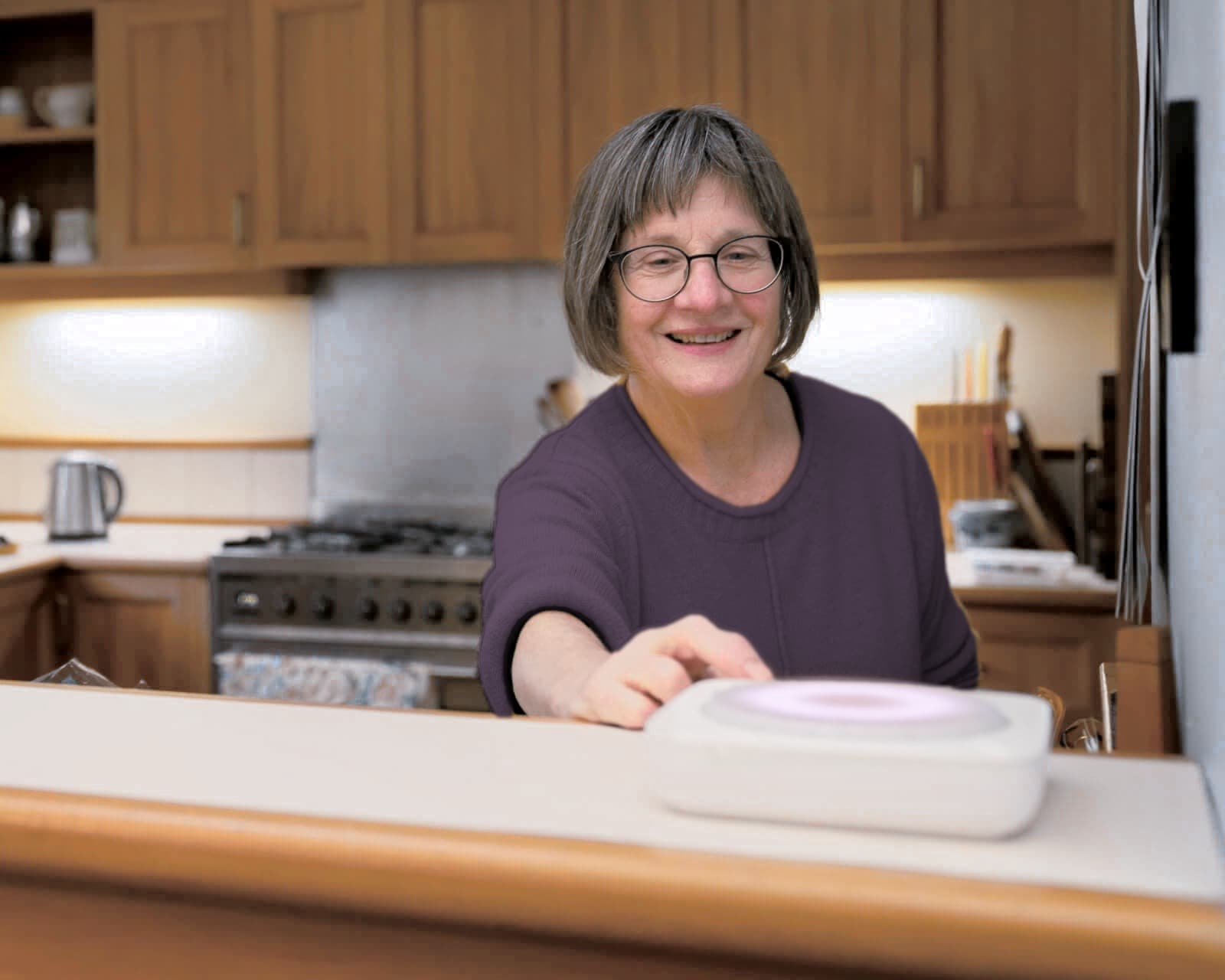
A woman in her kitchen pressing the button on the Home Alarm Hub
On the Home Alarm

The Hub calls family one by one, until someone picks up

  1. Step 1: The button is pressed

    The Hub greets the client by name and starts calling family.

  2. Step 2: Family are called and texted, in order

    Each contact gets a call and an SMS, in the order the client set, until someone picks up.

  3. Step 3: The Hub keeps trying

    It skips voicemail, gets through silent and Do Not Disturb settings, and lets contacts call the alarm back at any time.

  4. Step 4: Whoever answers decides what happens next

    They speak with the client through the Hub, head over, or call 000 if it's serious.

A man reading the paper outdoors, wearing the Mobile Alarm on his wrist
On the Mobile Alarm

An SMS goes to everyone at once, then calls in order

  1. Step 1: The alarm is raised

    By a button press, or by a fall the alarm detects itself.

  2. Step 2: Everyone gets an SMS with the GPS location

    All contacts are texted at once, so family knows straight away and can see where the client is.

  3. Step 3: Calls go out one by one

    The alarm calls each contact in order until someone picks up.

  4. Step 4: Whoever answers decides what happens next

    They speak with the client through the alarm, head over, or call 000 if it's serious.

Until someone picks up

A missed call isn't a missed alert

The alarm keeps working down the client's list of contacts.

  • Voicemail is skipped, so the call moves to the next contact
  • Silent and Do Not Disturb settings don't stop the call
  • A contact who missed it can call the alarm back at any time
Which plan

Professional or Family monitoring

Both work on both alarms. A client can switch plans at any time, with no fees.

About Professional monitoring
Professional and Family monitoring compared
CompareFamily monitoringProfessional monitoring
Who answersThe client's emergency contacts, called in orderA trained operator in Australia
WhenWhenever the contacts are free24/7
Calls 000The contact who answers decidesThe operator, if it's needed
Best forClients with family or friends nearby who can respondClients who live alone, or whose family is far away
Home AlarmCalls over 4GCalls over Home Internet (Wi-Fi or Ethernet) or 4G
SwitchingAny time, with no feesAny time, with no fees
CostFree for the first year when bought outright, then $40 a year$35 a month, or $420 a year
Funding

Paying for monitoring

Pick the funding when you make the quote. We'll sort the rest.

Questions

What referrers ask

Can the client switch to Professional monitoring later?

Yes, in both directions, at any time and with no fees. There is no lock-in contract.

What if the alert was an accident?

The client has time to cancel it. If it goes through, the first contact is called and can check they're okay. There's no charge for false alarms.

What if none of the contacts answer?

TO CONFIRM. The Home Alarm keeps trying until someone answers. Confirm what the Mobile Alarm does.

Who should the client nominate?

TO CONFIRM. People who are reachable and willing to respond, in the order the client chooses.

What do I need to give you?

TO CONFIRM: the contacts' names and phone numbers, in order, on the referral.

Ready to refer a client with Family monitoring?

Pick the alarm and the plan in the quote. It takes a few minutes, and you never need to call us.