
Monitoring options

Choose who answers when the button is pressed

Every Umps personal alarm comes with one of two response plans. Family and friends you nominate, or a trained Australian operator on call 24 hours a day.

Response plans

Two ways to get help when you need it

Both plans work with the Home Alarm and the Mobile Alarm.

Compare the plans
Family Response Plan

Family and friends answer, in the order you set

Built for households whose families want to be the first responders. How the calls go out depends on the alarm.

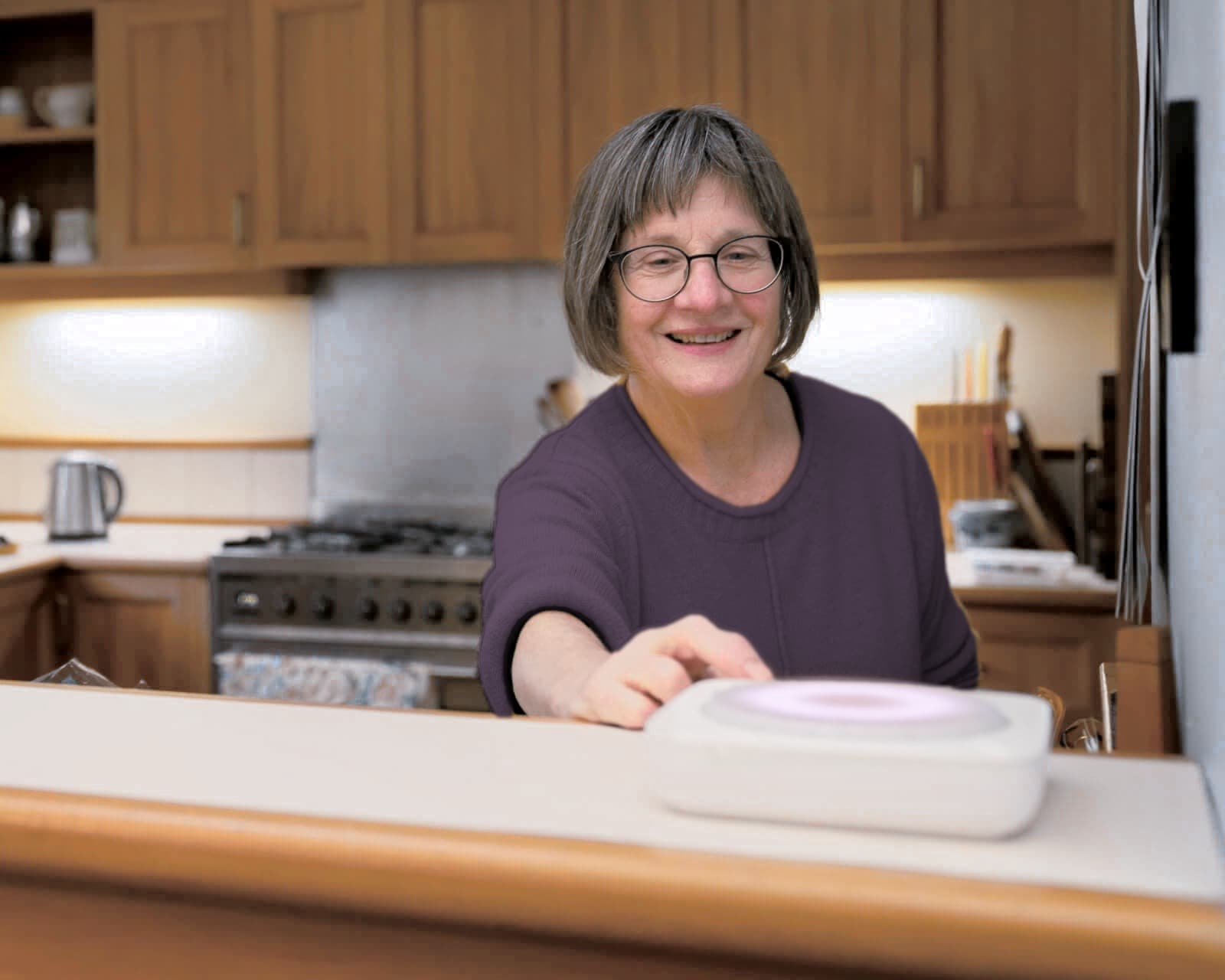
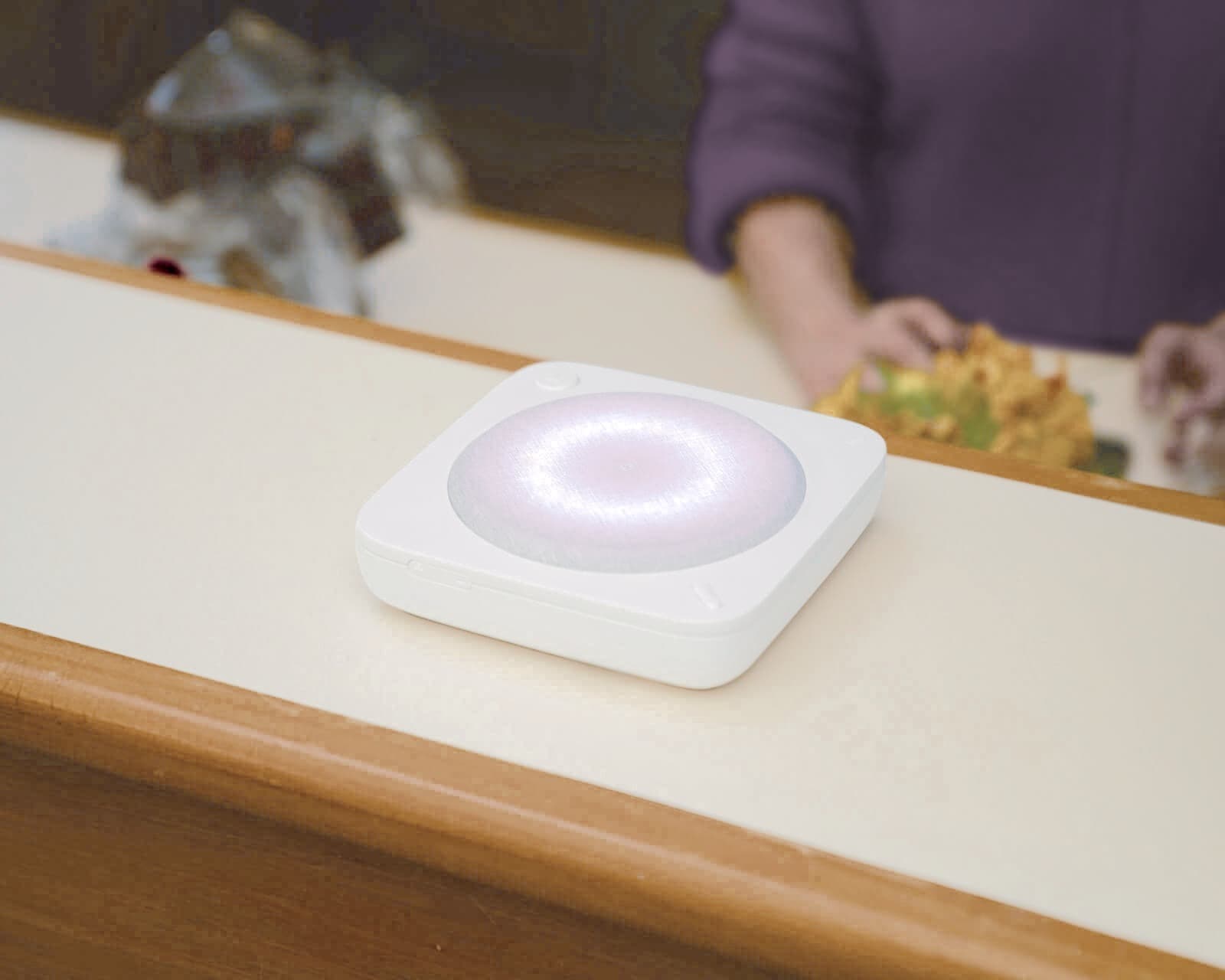
A woman in her kitchen pressing the Home Alarm Hub
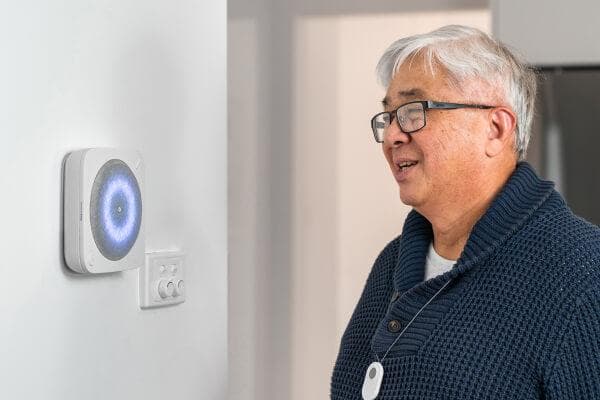
On the Home Alarm

The Hub calls family one by one, until someone picks up

Each nominated contact is called and texted in priority order, voicemail is skipped, and silent or Do Not Disturb settings won’t stop the call from getting through.

  1. The button is pressed

    The Hub greets the user by name and starts calling family.

  2. Family are called and texted, in priority order

    Each nominated contact gets a call and an SMS, in the order you set, until someone picks up.

  3. The Hub keeps trying until someone answers

    It skips voicemail, gets through silent and Do Not Disturb settings, and lets other contacts call the alarm back at any time.

  4. Whoever answers decides what happens next

    They speak with the user through the Hub, stay on the line, head over, or call 000 if it’s serious.

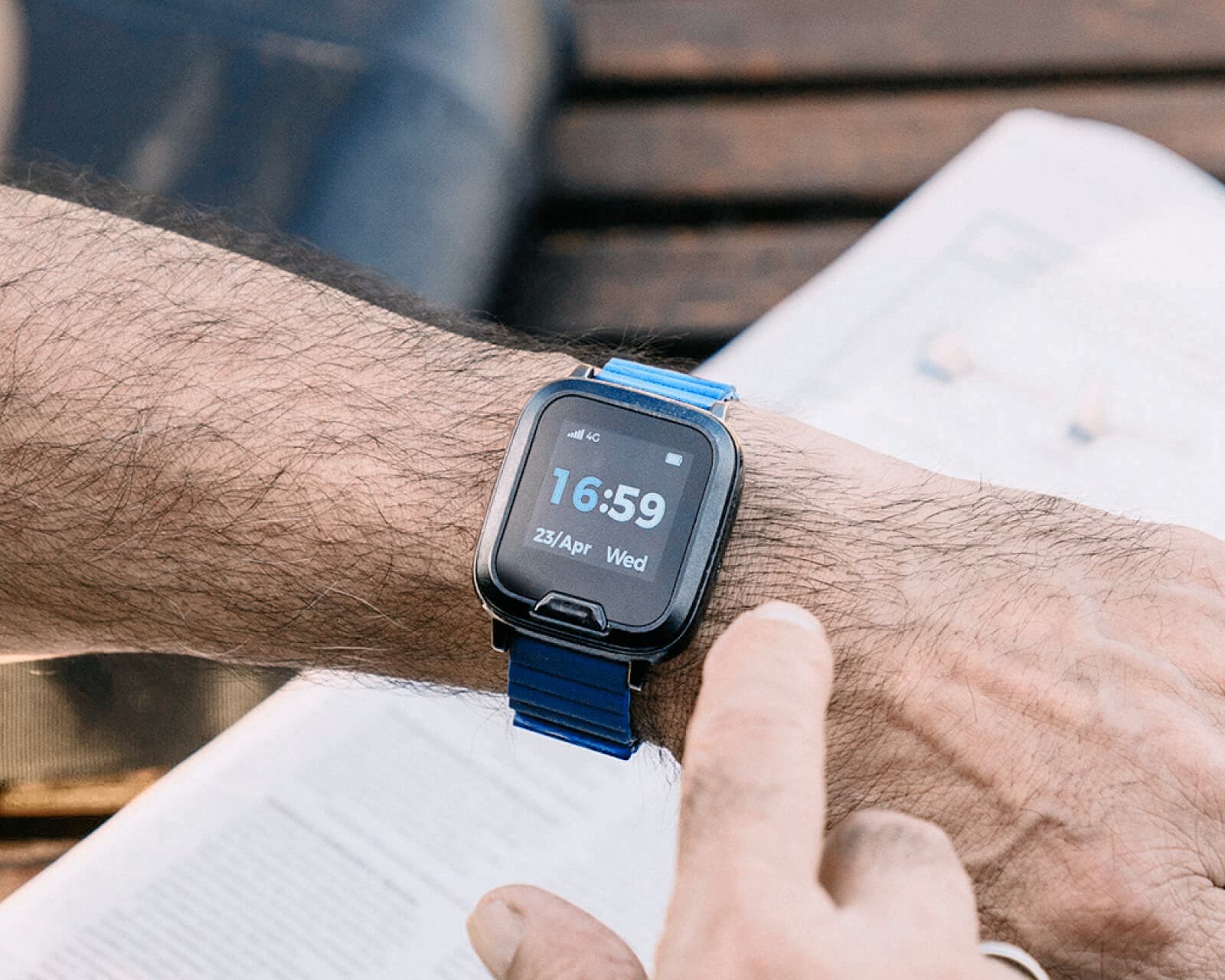
A man reading the paper outdoors, wearing the Mobile Alarm watch
On the Mobile Alarm

An SMS goes to everyone at once, then calls in order

The moment the alarm is raised, every nominated contact receives an SMS with the user’s name and GPS location. Calls then go out one by one, in priority order, until someone picks up. Fall detection can trigger the same flow automatically.

  1. The alarm is raised

    A press of the button, or a fall detected automatically.

  2. Everyone gets an SMS with the GPS location

    A text goes to all nominated contacts at once so family knows immediately and can see where the user is.

  3. Calls go out one by one

    The device then calls each contact in priority order until someone picks up.

  4. Whoever answers decides what happens next

    They speak with the user through the device, head over, or call 000 if it’s serious.
Professional Response Plan

A trained Australian operator answers, day or night

Pressing the button puts you through to a 24/7 Australian operator in about half a minute on average. The operator decides what happens next based on what they hear, and stays on the line until the situation is resolved.

$35/month

Works on the Home Alarm and the Mobile Alarm

  1. Step 1: The button is pressed

    A press of the button, or a fall detected automatically on the Mobile Alarm, sends the alert.

  2. Step 2: An Australian operator picks up

    A trained operator answers, day or night, in 29 seconds on average. The user’s health details, allergies, home access notes and emergency contacts are already in front of them.

  3. Step 3: They provide help over the phone

    The operator speaks with you, stays on the line, and calls 000 if needed. Paramedics get all of the context they need.

  4. Step 4: Family are kept in the loop

    Once the user is safe, the operator calls nominated contacts in priority order so family always knows what happened.

Pick a plan

Which one fits your situation

The Family Response Plan and the Professional Response Plan compared
CompareFamily Response PlanProfessional Response Plan
PriceFree for the first year when you buy an alarm, then $40/year$35/month
Best forHouseholds with reachable family or close friends willing to be first responders.People living alone, with complex health needs, or whose family lives far away.
Who answersYour nominated contacts, called in priority order until one picks up.An Australian-based operator trained in first aid and triage.
Response timeDepends on who's free.24/7. Average pickup in 29 seconds.
Calls 000 if neededYour contacts make the call.Operator calls 000, stays on the line, and informs the client throughout.
Home AlarmSequential calls, SMS, voicemail skip, DND bypass.Runs over Wi-Fi or Ethernet. No mobile coverage needed.
Mobile AlarmAn SMS with the GPS location to everyone, then calls in priority order.Available on the Mobile Alarm any time.

Switch plans any time. We pro-rate the difference and update the alarm remotely. No contract.

FAQ

Common questions

The questions we hear most often about the two plans.

Can I switch plans later?

Yes, in both directions, any time. We pro-rate the difference and update the device's response settings remotely. There is no contract that locks you in.

What does the monthly fee cover?

Family Response covers the call and SMS sequencing, voicemail detection and personalised messaging. Professional Response covers the 24/7 monitoring centre, trained operators, the client profile on file and ambulance liaison.

Does Professional Response call my family too?

Yes. The operator confirms the client's safety first, then calls emergency contacts in priority order. They keep the client informed throughout.

How long does the operator stay on the call?

For as long as they are needed. The line stays open through ambulance dispatch, family contact and arrival on scene.

Does the Home Alarm need mobile coverage?

Not for Professional Response. The Home Alarm with the Professional plan can run over Wi-Fi or Ethernet, which is useful in homes with poor cellular reception.

Is monitoring covered by funding?

Yes, under Support at Home. Its assistive technology funding (AT-HM) covers the alarm, its setup and the ongoing monitoring. CHSP and NDIS rules vary. The dedicated funding pages have the detail.

Choose your alarm, then who answers

Every Umps personal alarm comes with one of two response plans. You pick the plan when you order.

Find a personal alarm
Still not sure?

Our team will answer any questions you may have

Australian-based, Monday to Friday, 9am to 5pm AEST.

1300 907 272